



Step 1: For Windows: Download Windows App and install the application IPTV Smarters Pro.
For Mac: Download Mac App and install the application IPTV Smarters Pro.
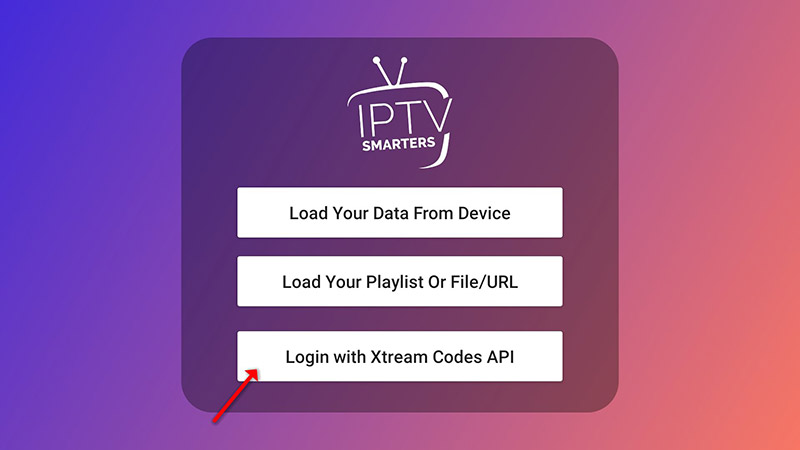
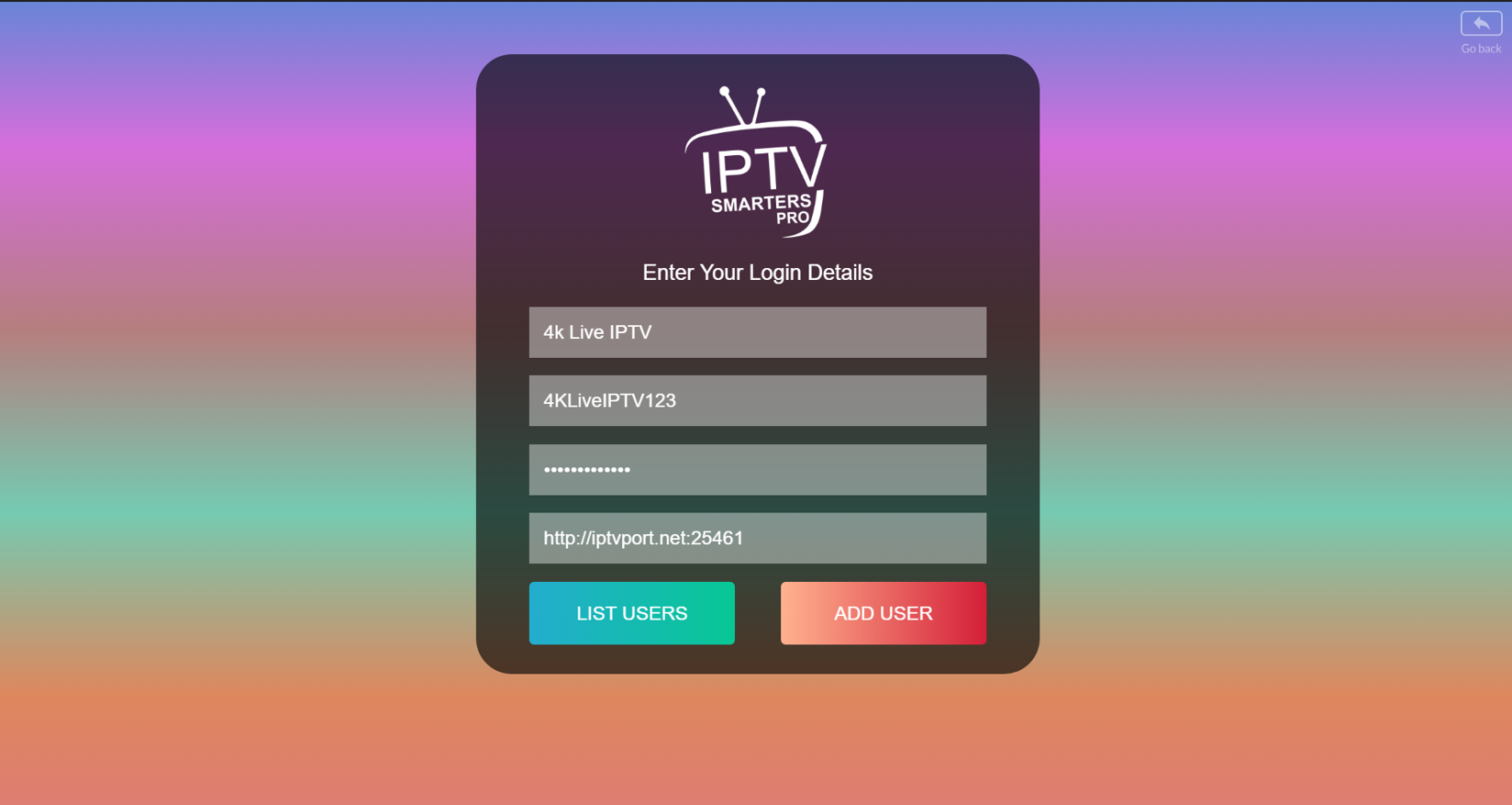
Step 2: Login to the application with your subscription details (Get details from your service provider).
When you run the IPTV Smarters app for the first time, Terms of Use will be the first window. Scroll down and click Accept.
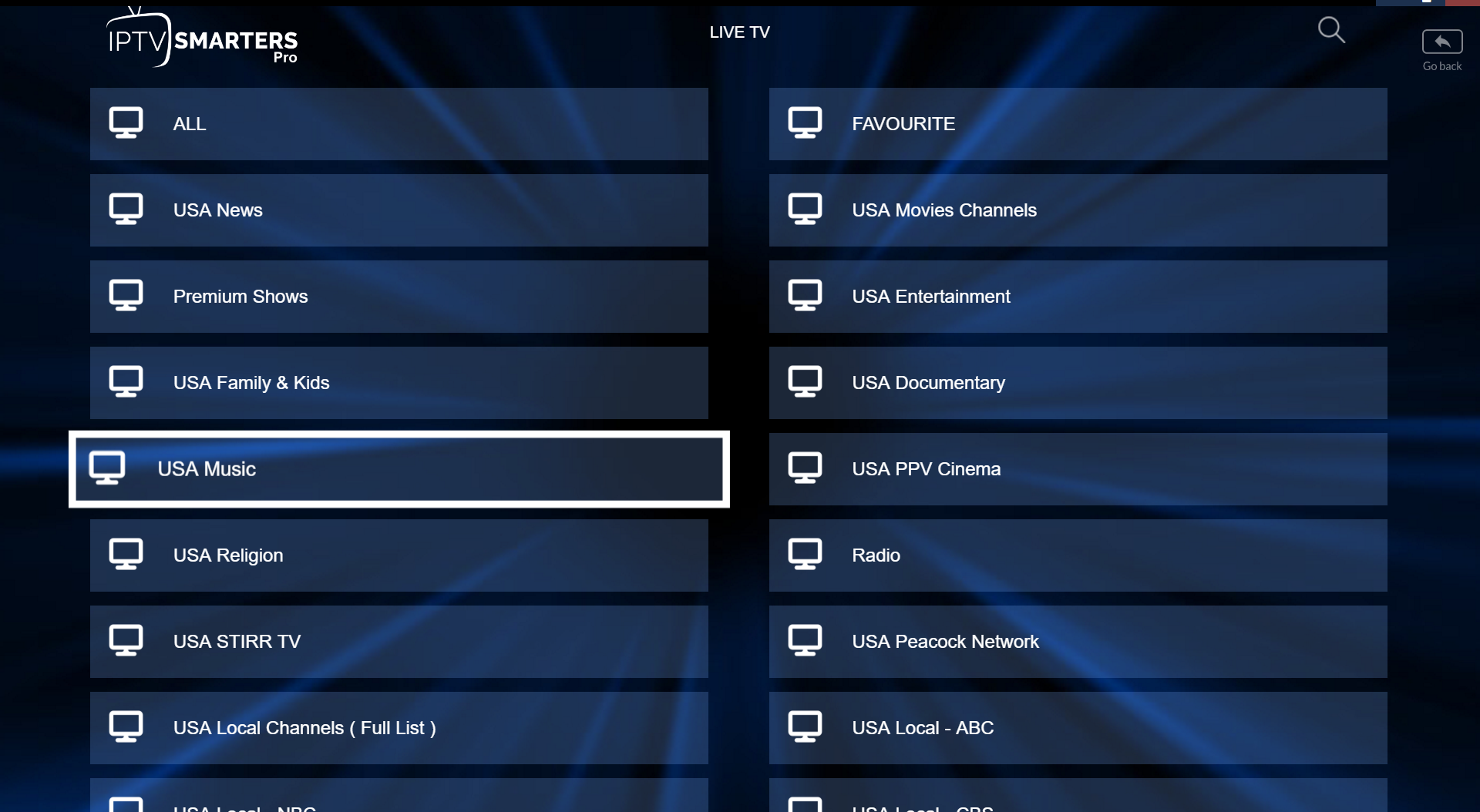
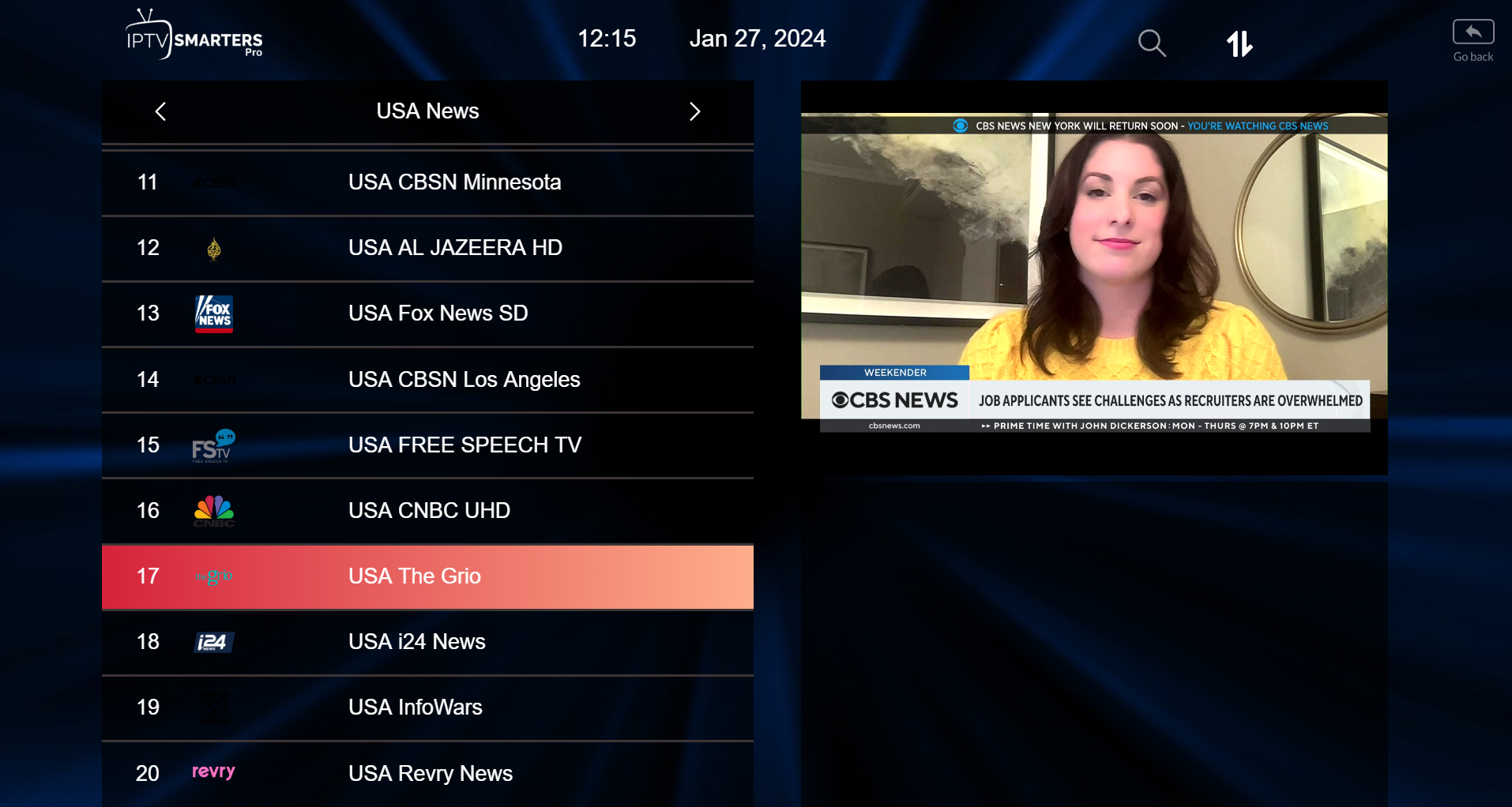
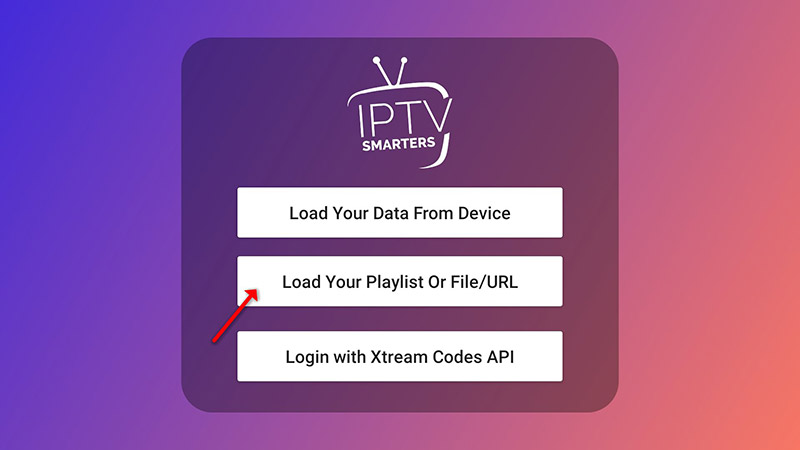
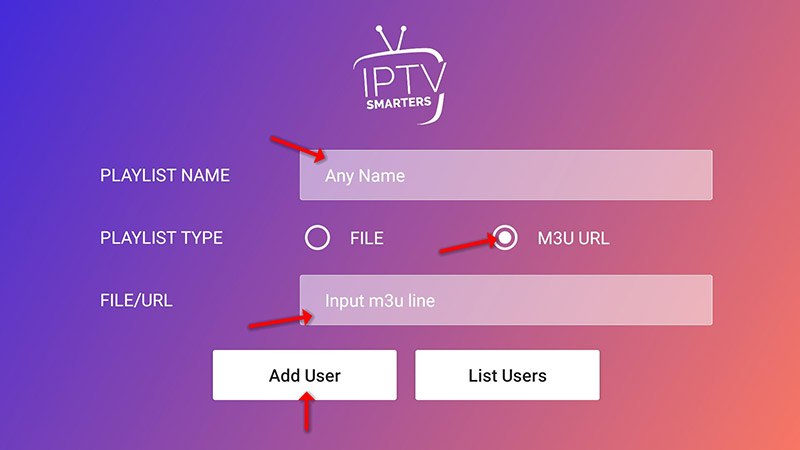
Amazon Store does not host IPTV Smarters, so it must be sideloaded. First, enable unknown sources:

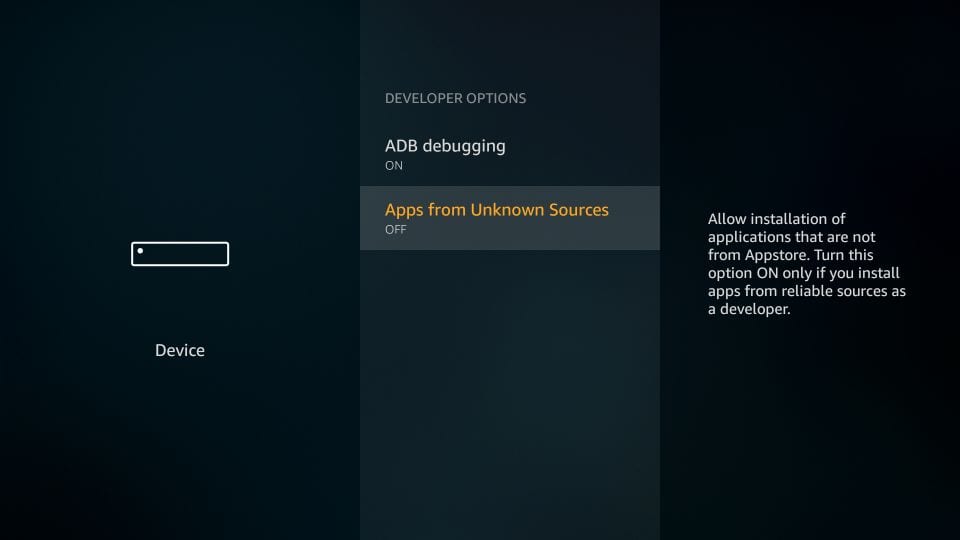
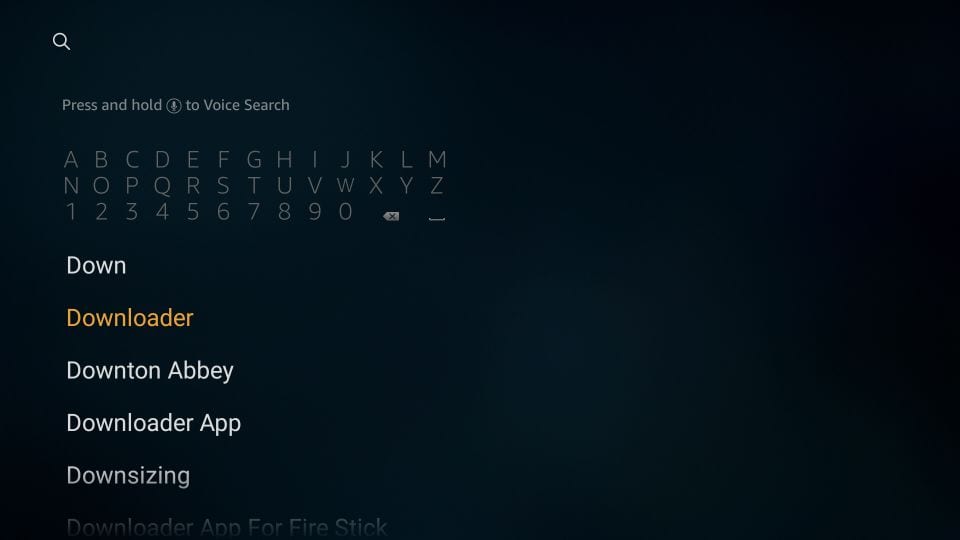
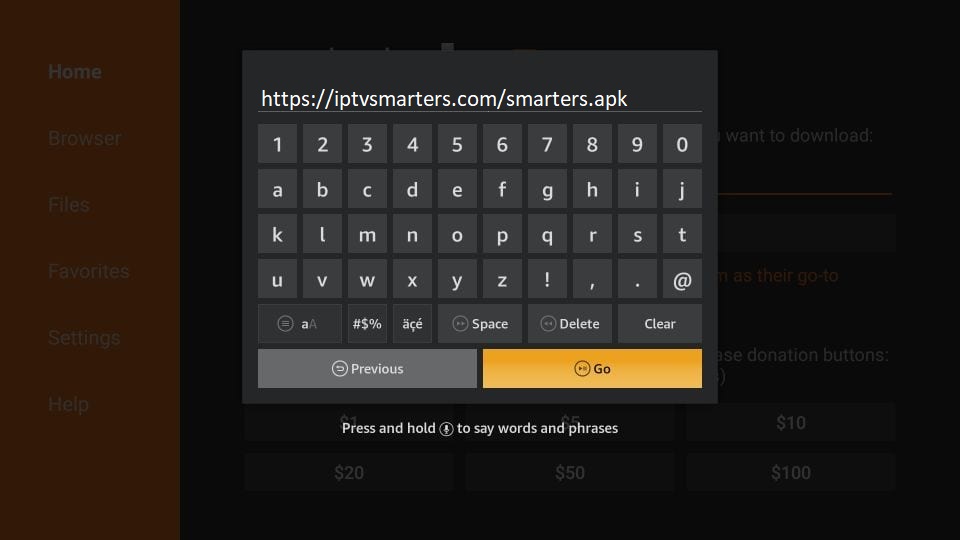
Next, install the application:
Step 1: Press the Smart Hub button on your remote control.
Step 2: Search for Smarters Pro and install it.
Step 3: Log in using your subscription details (Username, Password, Portal URL) via the Xtream Codes method.
Step 1: Press the Home button on the remote and open the LG Content Store.
Step 2: Search for Smarters Pro and install it.
Step 3: Log in with your Username, Password, and Portal URL.
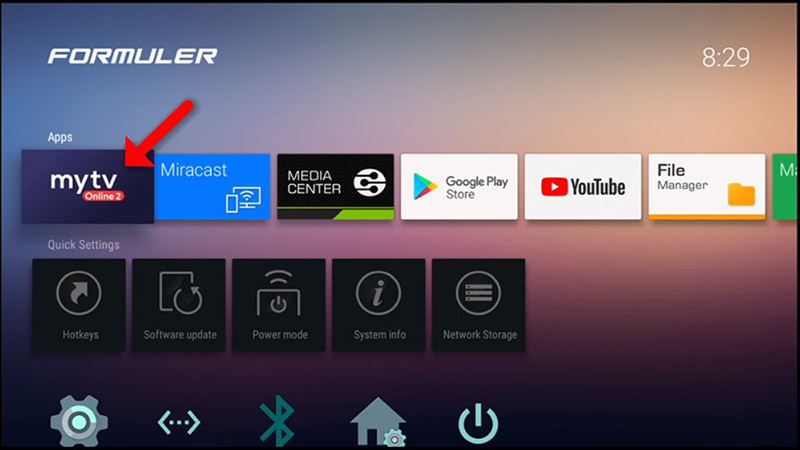
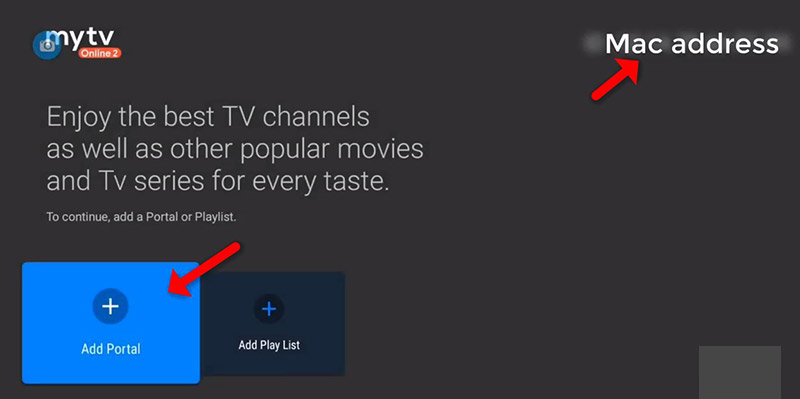
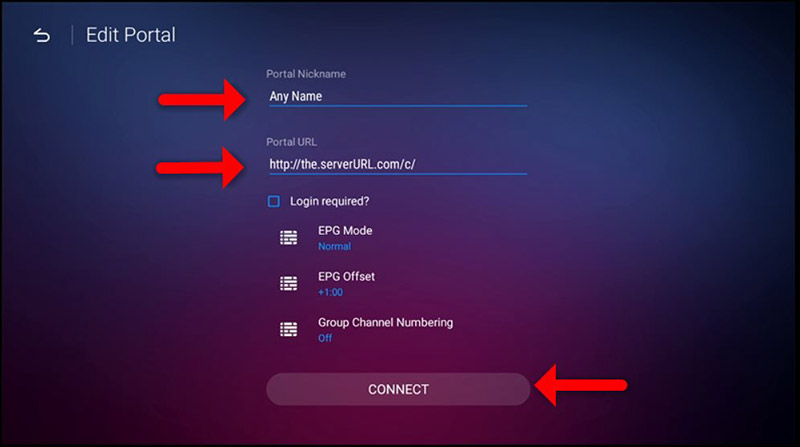
Formuler devices feature the optimized MYTV Online 2 application for fluid 4K Ultra HD streaming. You can configure it easily using your MAC Address:
Step 1: For Android, download the setup file directly from this official download path. For iOS devices, download the verified application via the Apple App Store Link.
Step 2: Fire up the application on your mobile screen and log in using either the direct Xtream Codes API credentials or your M3U Playlist URL details.